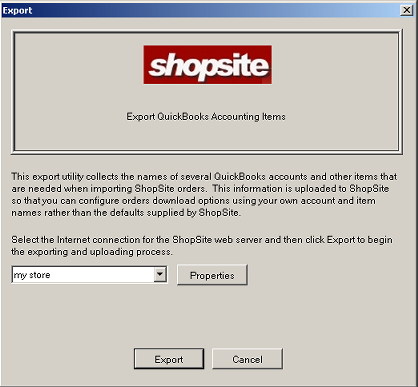
The option under the menu can be used to export existing QuickBooks sales account names into ShopSite. Products in your store can then be assigned to one of these sales accounts in the ShopSite Back Office > Products > Edit Product Info screen, so purchases will automatically be billed to that account in QuickBooks.

The option under the menu displays a list of existing connections to stores that you have created, and allows you to manage them.
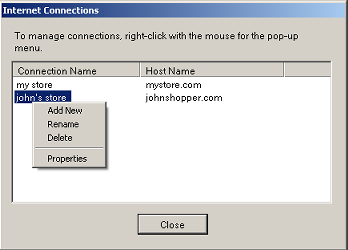
To modify a connection, position your pointer over the connection and click your right mouse button to bring up the context menu. Select to edit the connection, or you can or a connection, or to create a new connection.
Order Transfer program preferences can be accessed by selecting from the menu, or from the Options section of the Order Transfer download screen. See the Preferences Help Page for more information.
|
ShopSite Help and Resource Center Last updated: February 11, 2005 Give Feedback |
 © 2007, ShopSite, Inc. ShopSite Shopping Cart Software |