From a drop-down list
The directories and images in your store’s media directory are displayed in two drop-down lists. You select a directory in the first list, and an image from that directory in the second list, which might look like this:
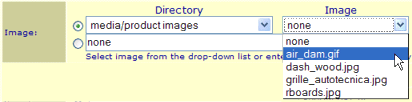
If you have more than around 300 images in your media directory, the drop-down list can significantly slow down loading pages. For this reason, ShopSite will automatically switch to Pop-up window selection if you have more than 300 images.
From a pop-up window
Wherever you can select an image in the back office, ShopSite displays a Select button. When you click that button, a smaller Select Image window will open in front of the ShopSite window. The Select Image window lists directories and images similar to the Images screen, like this:
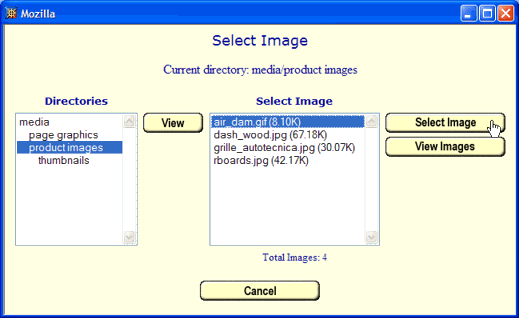
Navigate to the desired directory, click on an image, and then click Select Image to use that image in your store.
