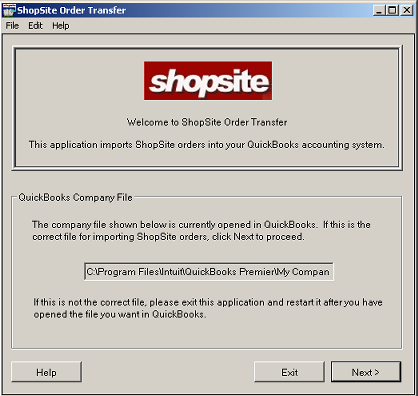
If you want to download orders into this company file, click . If this is not the correct company file, click and open the correct company file in QuickBooks before restarting ShopSite Order Transfer.
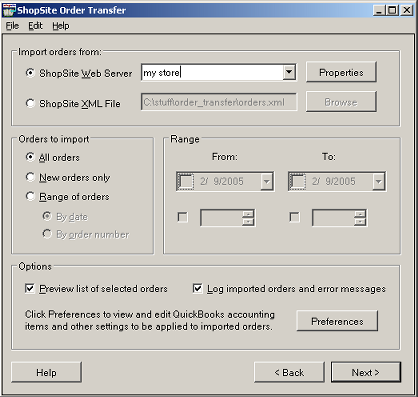
- All orders - This option is useful the first time you download orders from your store.
- New orders only - You will probably use this option most frequently. ShopSite Order Transfer keeps track of the last order that it downloaded, so it can recognize new orders that have been placed since then and only download those orders.
- Range of orders - Use this option to download a contiguous block or orders, either by order number or by order date. When you select this option, you can use the From and To selectors to specify the date range or order numbers.
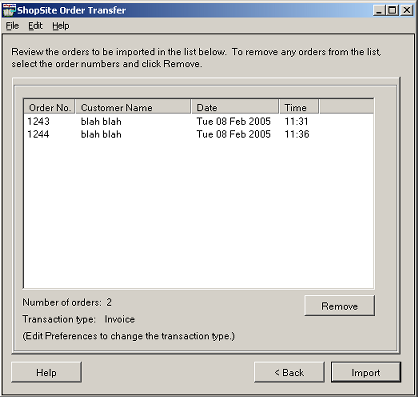
You can remove any orders that you do not want to download by selecting the orders in the list and clicking the button. Click to import the orders into QuickBooks.
